
Markdown Notes Style Guide (Jekyll)
Published:
This document captures the markdown note-taking style used across this site’s class notes, extracted for AI agents to replicate.
You will be asked to generate notes in one of two Markdown formats: Jekyll or Obsidian. Follow the formatting constraints below strictly based for Jekyll format files.
File Structure
---
title: "5 File IO"
permalink: /articles/asp/5
date: 2025-01-20        # optional
author: "Ming Gong"     # optional, for collaborative posts
---
Immediately after front matter, include the TOC partial for longer notes:
<aside class="sidebar__right">
<nav class="toc" markdown="1">
<header><h4 class="nav__title"><i class="fa fa-file-text"></i> On This Page</h4></header>
*  Auto generated table of contents
{:toc .toc__menu}
</nav>
</aside>
Headings
#(H1): Major topic sections. Used sparingly — typically one H1 per conceptual unit within a page.##(H2): Subsections within a topic.###(H3): Sub-subsections, for tightly scoped details.- H4 and beyond are not commonly used
- Headings are telegraphic — not full sentences. Omit articles: write
## Merge, not## The Merge Operation. - API/function names in headings use backtick code:
\malloc()`
Homework Sections
Homework notes are appended at the bottom of their relevant article as a top-level # HW X section:
---
# HW 1
## Padding
...
## Bitfield
...
This keeps HW notes co-located with lecture material but clearly separated.
Prose Style
- Dense, lecture-note fragments. Skip filler words. Write “Returns pointer to payload, NOT block” not “This function returns a pointer to the payload, not the beginning of the block.”
- Start statements as direct facts: “32 bit: each program uses 3G bottom.”
- Implication chains use bullet sub-points, not multi-sentence paragraphs.
- First person is acceptable for personal recommendations or design decisions: “I recommend…”, “We chose…”
- Colloquial tone is fine when appropriate: “RIP, got 4 errors.”, “CONGRATS on completing 1/3 of this assignment!”
- Use
E.as shorthand for “Example” inline:E. if tree has 5 levels, need 5 reads - Use
Q:for inline questions in example blocks.
Emphasis
| Syntax | Use |
|---|---|
**bold** | Key technical terms, critical values, important constraints, warning words |
*italic* | Softer emphasis, quoted terms, lighter stress than bold |
`code` | All function names, syscalls, commands, flags, file paths, variable names, register names, constants |
<span style="color:rgb(255, 0, 0)">text</span> | Maximum emphasis — the most critical term or value in a sentence |
<span style="color:rgb(0, 176, 240)">text</span> | Secondary emphasis: Used for related terms, abbreviations, or functional words that require visual separation without matching the weight of primary keywords. |
Bold is preferably used. Do not over-use italics or colored spans — reserve them for terms that genuinely need to pop.
Text Elements
Lists
Use dashes (-) for bullet lists. Use numbers for sequential steps.
Bullet lists are used for:
- Enumerating properties or behaviors
- Adding sub-notes or caveats to a preceding statement
- Summarizing multiple items
Nested bullets use one tab of indentation:
- **External fragmentation**: memory is in pieces, can't allocate large blocks
	- Real allocators delay coalescing to save computation
Lists often appear without a colon or full sentence before them — they are continuation-style notes. Do not end list items with periods unless the item is a full sentence.
Code Blocks
Always use fenced code blocks with a language tag:
```c
void *malloc(size_t size) { ... }
```

```shell
git diff --cached
```

```mermaid
stateDiagram-v2
Commit --> Tree
```
Common tags: c, shell, python, mermaid, asm/assembly, plain (no tag) for pseudocode or ascii diagrams.
Capture only critical logic, control flows, or function signatures. Truncation with // ... is acceptable for long middle sections, but keep the context intact.
Separator Rules
If the target format is Jekyll, restrict the use of --- exclusively to the front of H1 (#) headings. Do not use horizontal rules between smaller sub-sections (like H2 or H3) or as general content dividers.
---
# Git Objects
Blockquotes
Plain > blockquotes are used for:
- Examples:
> E. DRAM bus runs at 2400 MHz. What is the peak bandwidth? - Questions:
> Q: How many lookups happen in L2? - Asides and external quotes
Notice boxes (see above) are a specialized use of blockquotes for more emphasis
Notice Boxes (Callouts)
If the target format is Jekyll:
Use Jekyll’s notice classes for callout boxes. They are written as a blockquote followed by a {: .notice--type} tag on the next line:
> Run DRC **as frequently as possible**, especially if you are a beginner!!
{: .notice--warning}

> We are now **DRC clean!**
{: .notice--success}

> Take a read of Shepard's Online CAD Tutorial.
{: .notice--info}

> Do a **C+CC** extraction only. RCC might crash Cadence
{: .notice--danger}
| Class | Color | Use |
|---|---|---|
info | Blue | Tips, additional context, optional reading |
warning | Orange | Pitfalls, cautions, common mistakes |
success | Green | Prerequisites met, confirmations, celebrations |
danger | Red | Critical warnings, data-loss risks |
Multi-line notices use \n line breaks or multi-line blockquote syntax. You can put bold, code, and links inside notices normally.
Block Elements
Images
Images are placed immediately after the text they illustrate, with no blank line between the text and the image.
Standard image:
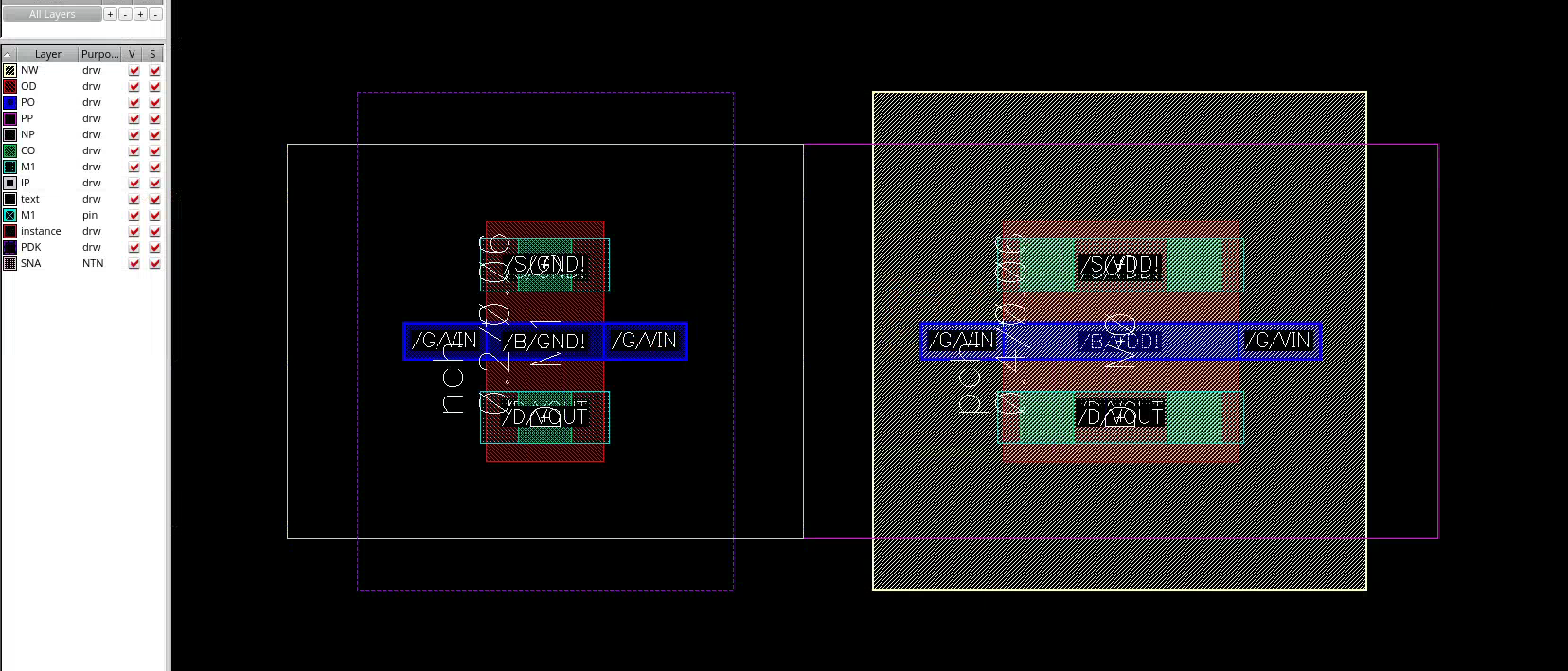
Alt text is typically empty or just alt. The path is absolute from site root.
Centered with Jekyll attribute:
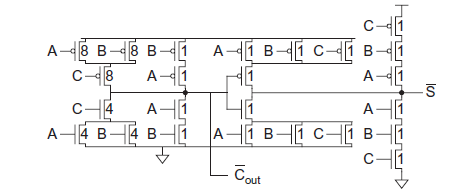{: .align-center}
Constrained size (HTML):
<img src="/images/vlsi/Adder/pitch.png"
     style="display: block; margin: 0 auto; max-width: 300px; width: 100%;">
Math (LaTeX)
Inline math uses $$...$$ (double dollar signs, not single):
$$t_{clk}(k) = \frac L k + o$$
Block math also uses $$...$$ on its own line:
$$d' = d\times m \pm 2^k$$
Subscripts: $$t_{RCD}$$, $$2^N$$, $$log_2$$
Mermaid Diagrams
Use mermaid code blocks for flowcharts and state diagrams:
```mermaid
stateDiagram-v2
Commit --> Tree
Tree --> Makefile
Tree --> hello.c
```
```mermaid
flowchart TD
    A(I1) --> B(I2)
    F(I0) --> B
    B --> C(I3)
```
Navigation
If the target format is Jekyll:
Series Navigation
For multi-part article series, place a numbered navigation list at the top of the page (below front matter and TOC), with the current page bolded:
1. [Intro](/articles/vlsi)
2. **Inverter**
3. [Project Plan](/articles/vlsi/floorplan)
4. [Adder and Shifter](/articles/vlsi/adder)
5. [SRAM](/articles/vlsi/sram)
Internal Linking
- Link to other articles:
[Memory](/articles/asp/2) - Link to a specific section anchor:
[Diffusion Sharing](/articles/vlsi/adder#3-diffusion-sharing) - Inline parenthetical references:
(see [ASP Notes](/courses/asp)) - Anchor IDs are auto-generated from headings as lowercase-with-hyphens:
## Body Vias→#body-vias
Overall Tone
- Direct and confident. No hedging.
- Technical terms are introduced in bold on first use.
- Examples are concrete, often using real numbers or small code snippets.
- Personal voice is allowed — opinions on pedagogy, tool frustrations, and design trade-offs are written naturally.
- Unfinished sections or uncertain points are noted inline with
???or a brief comment rather than omitted.